

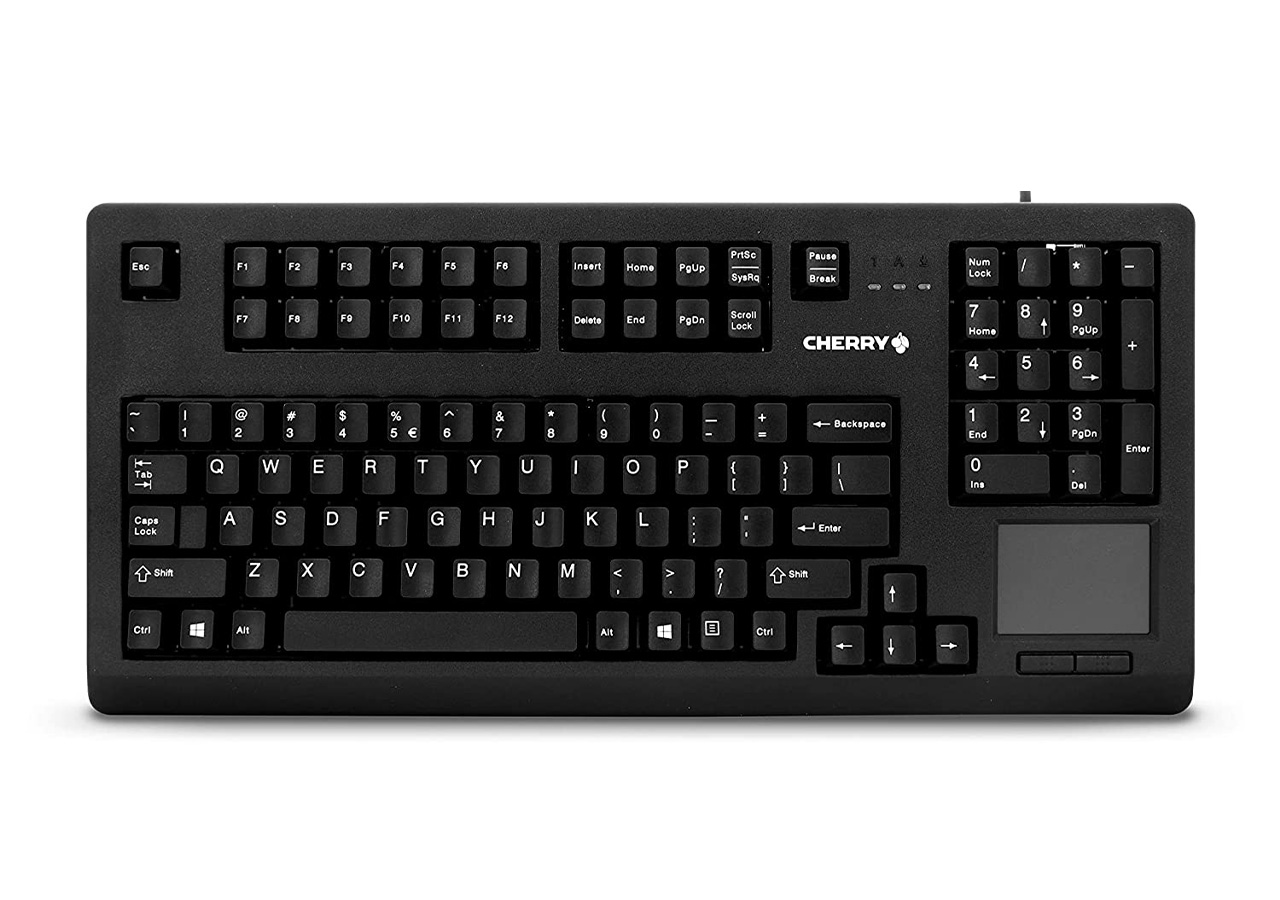
Keyboards with touchpads or trackballs are an excellent solution for people who want a compact and convenient way to control their computers. These devices are ideal for people who don't have enough space for a full-sized keyboard and a separate pointing device, or who prefer a more ergonomic solution. In this guide, we'll discuss the benefits of using a keyboard with a touchpad or trackball and provide tips on how to get the most out of these devices.
One of the primary benefits of using a keyboard with a touchpad or trackball is that it provides a more ergonomic solution. Traditional mice and touchpads can cause strain on the hands, wrists, and arms over time, especially if used for extended periods. A keyboard with a touchpad or trackball allows users to keep their hands in a more neutral position, reducing the risk of repetitive stress injuries.
Another benefit of using a keyboard with a touchpad or trackball is that it saves space. These devices combine the functionality of a keyboard and a pointing device into a single unit, reducing the amount of desk space required. This can be especially useful for people who work in small spaces, such as in a home office or on a plane.
When using a keyboard with a touchpad or trackball, it's important to keep a few things in mind. First, make sure that the device is positioned at a comfortable angle. Ideally, the keyboard should be positioned so that the user's arms and wrists are in a neutral position, with the elbows close to the body.
Second, it's important to adjust the sensitivity of the touchpad or trackball to suit your preferences. Some touchpads and trackballs may be too sensitive or not sensitive enough, so it's important to find the right balance. In general, it's best to start with a medium sensitivity and adjust from there.
Finally, it's important to practice using the touchpad or trackball regularly. While these devices can be more ergonomic and space-saving, they can take some time to get used to. Practicing using the touchpad or trackball regularly can help improve your accuracy and speed over time.
Many keyboards with touchpads or trackballs come with customizable features that allow users to adjust the settings to suit their preferences. For example, some keyboards allow users to adjust the speed and sensitivity of the touchpad or trackball, as well as the behavior of the scrolling function.
Other customizable features may include the ability to assign custom shortcuts to specific keys, or to program macros for frequently used actions. These features can help improve productivity and efficiency, and make it easier to work with complex software applications.
Like any device, keyboards with touchpads or trackballs can experience problems from time to time. Some common problems include:
If none of these solutions work, contact the manufacturer or it may be time to consider replacing the device.
