

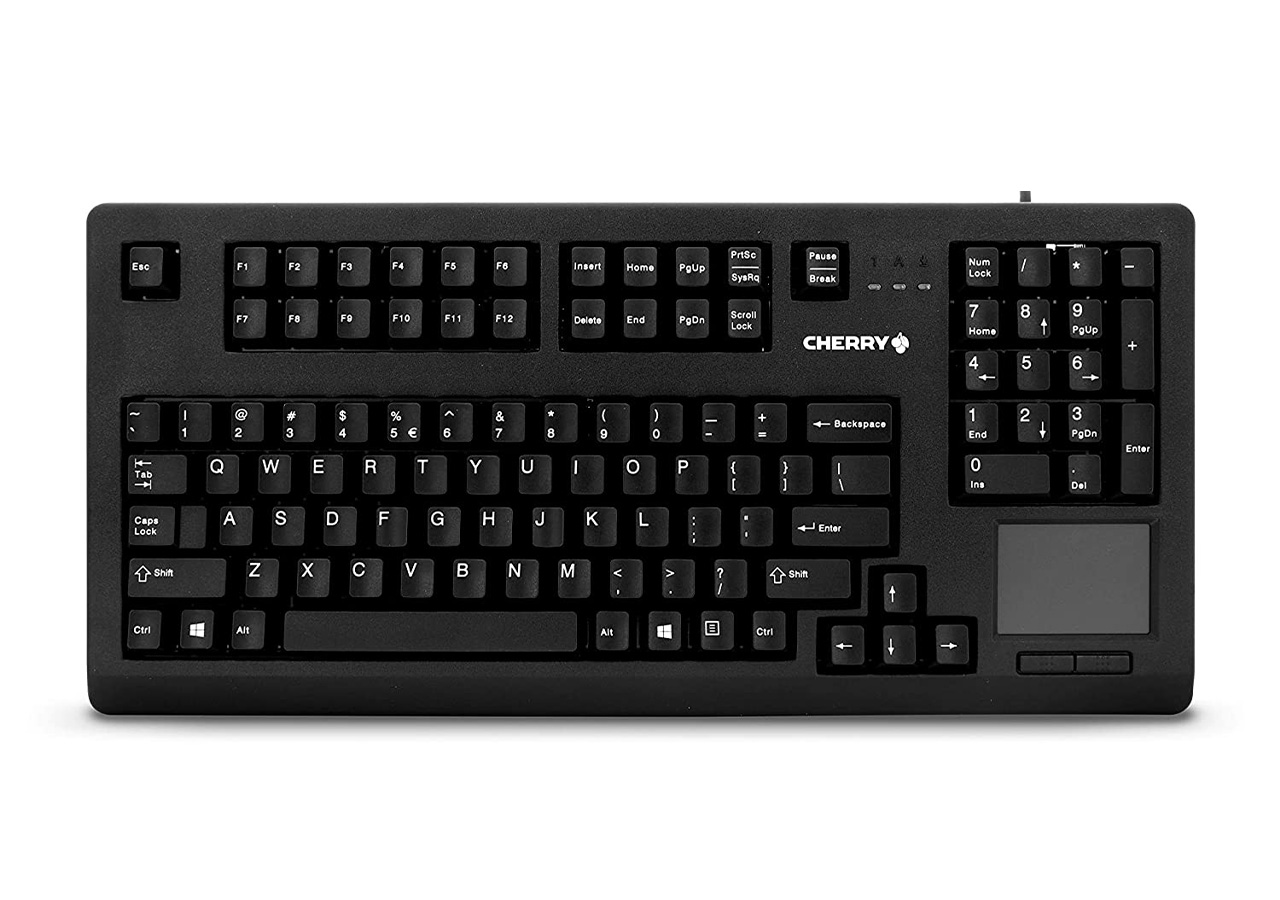
Using a keyboard with a touchpad or trackball can take some getting used to, especially if you're accustomed to using a traditional mouse. However, with a bit of practice and patience, you can quickly become proficient in using this type of keyboard and maximize your productivity.
Before you begin using your keyboard with a touchpad or trackball, it's essential to set it up correctly. Most models require a USB connection to your computer and will automatically install the necessary drivers when plugged in.
Once your keyboard is connected, take some time to adjust the touchpad or trackball settings to suit your needs. You can typically adjust the pointer speed, scrolling speed, and click sensitivity, among other settings. Play around with these until you find the perfect balance for your typing style and comfort.
Using a touchpad or trackball to navigate your computer is quite similar to using a traditional mouse. You can move the cursor by sliding your finger across the touchpad or rolling the ball with your fingers. You can also click and double-click by tapping or pressing down on the touchpad or trackball.
One crucial thing to keep in mind when using a touchpad or trackball is to avoid resting your palm or wrist on it while typing. Doing so can cause accidental cursor movements and clicks, disrupting your work and productivity.
In addition to basic navigation, many keyboard models with touchpads or trackballs offer advanced navigation and gesture options. For example, you can use multi-finger swipes to switch between open windows, zoom in and out, and perform other commands.
Check the manual for your keyboard or do some online research to discover the full range of gestures and commands your device supports. With practice, you can incorporate these advanced features into your workflow and boost your productivity and efficiency.
Here are some additional tips and tricks to help you get the most out of your keyboard with a touchpad or trackball:
Using a keyboard with a touchpad or trackball can be an excellent way to increase your productivity and comfort while working on your computer. With the right setup and a bit of practice, you can navigate and control your computer with ease and speed, making your work more efficient and enjoyable.
When choosing a keyboard with a touchpad or trackball, look for models that offer the features and settings you need to customize your experience fully. With a little research and trial and error, you can find the perfect keyboard for your needs and get the most out of your computer.
