

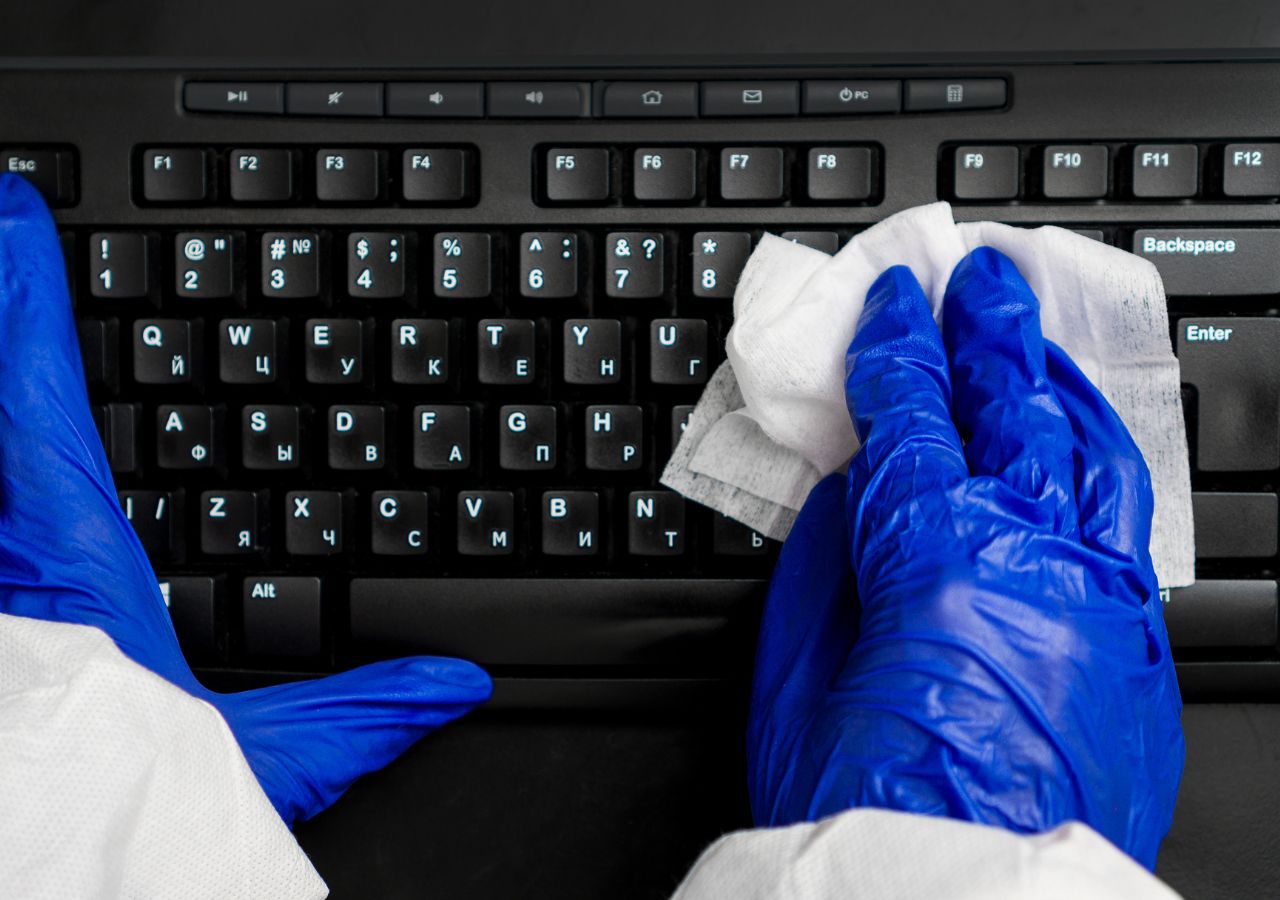
Mechanical keyboards are a favorite among gamers, writers, and other computer enthusiasts because they offer superior typing experience and durability. But over time, even the best mechanical keyboards can accumulate dust, dirt, and other debris, leading to sticky keys, reduced typing performance, and even mechanical failure. Fortunately, cleaning a mechanical keyboard is a straightforward process that can be done with a few simple tools and techniques. In this article, we'll take you through a step-by-step guide on how to clean a mechanical keyboard effectively.
Step 1: Turn off and unplug the keyboard
Before you begin cleaning your mechanical keyboard, make sure it's turned off and unplugged from your computer. This will prevent any accidental keystrokes or electrical damage while cleaning.
Step 2: Remove the keycaps
The next step is to remove the keycaps from the keyboard. You can do this using a keycap puller, which is a small plastic tool that allows you to remove the keycaps without damaging them. If you don't have a keycap puller, you can also use a flat-head screwdriver or a credit card to gently pry off the keycaps.
Step 3: Clean the keycaps
Once you've removed the keycaps, you can clean them by placing them in a bowl of warm, soapy water. Use a soft-bristled brush to scrub away any dirt, grime, or oils that may have accumulated on the keycaps. Rinse the keycaps thoroughly and let them dry completely before reattaching them to the keyboard.
Step 4: Clean the keyboard base
With the keycaps removed, you can now clean the keyboard base using compressed air or a vacuum cleaner. Use a can of compressed air to blow away any dust or debris that may have accumulated between the switches. Alternatively, you can use a vacuum cleaner with a soft-bristled brush attachment to gently remove any dust or debris from the keyboard.
Step 5: Clean the switches
The switches are the most critical component of a mechanical keyboard, and it's essential to keep them clean to ensure optimal performance. You can clean the switches using a switch puller, which is a small plastic tool that allows you to remove the switches from the keyboard easily. If you don't have a switch puller, you can use a small flat-head screwdriver to gently pry off the switches.
Once you've removed the switches, use a soft-bristled brush to clean away any dust or debris that may have accumulated on them. You can also use a cotton swab dipped in isopropyl alcohol to remove any stubborn stains or oils that may be present on the switches. Be careful not to get any liquid inside the switch, as this can damage the mechanical components.
Step 6: Reassemble the keyboard
Once you've cleaned all the components, you can reassemble the keyboard by reattaching the switches, keycaps, and any other accessories that you may have removed. Make sure that all the components are securely in place, and that there are no loose parts or screws that may have been left out during the cleaning process.
Cleaning a mechanical keyboard is an essential maintenance task that can help keep your keyboard intop condition and prolong its lifespan. By following the steps outlined in this guide, you can ensure that your mechanical keyboard remains clean, functional, and comfortable to use for years to come. Remember to clean your keyboard regularly, at least once a month, to avoid the buildup of dirt and debris that can affect performance and usability.
